TruxCRM
Move every car from lead to delivered
One connected workspace for vehicle shipping brokers — leads, quotes, signed orders, carrier dispatch, insurance files, invoices, payments and real-time updates.
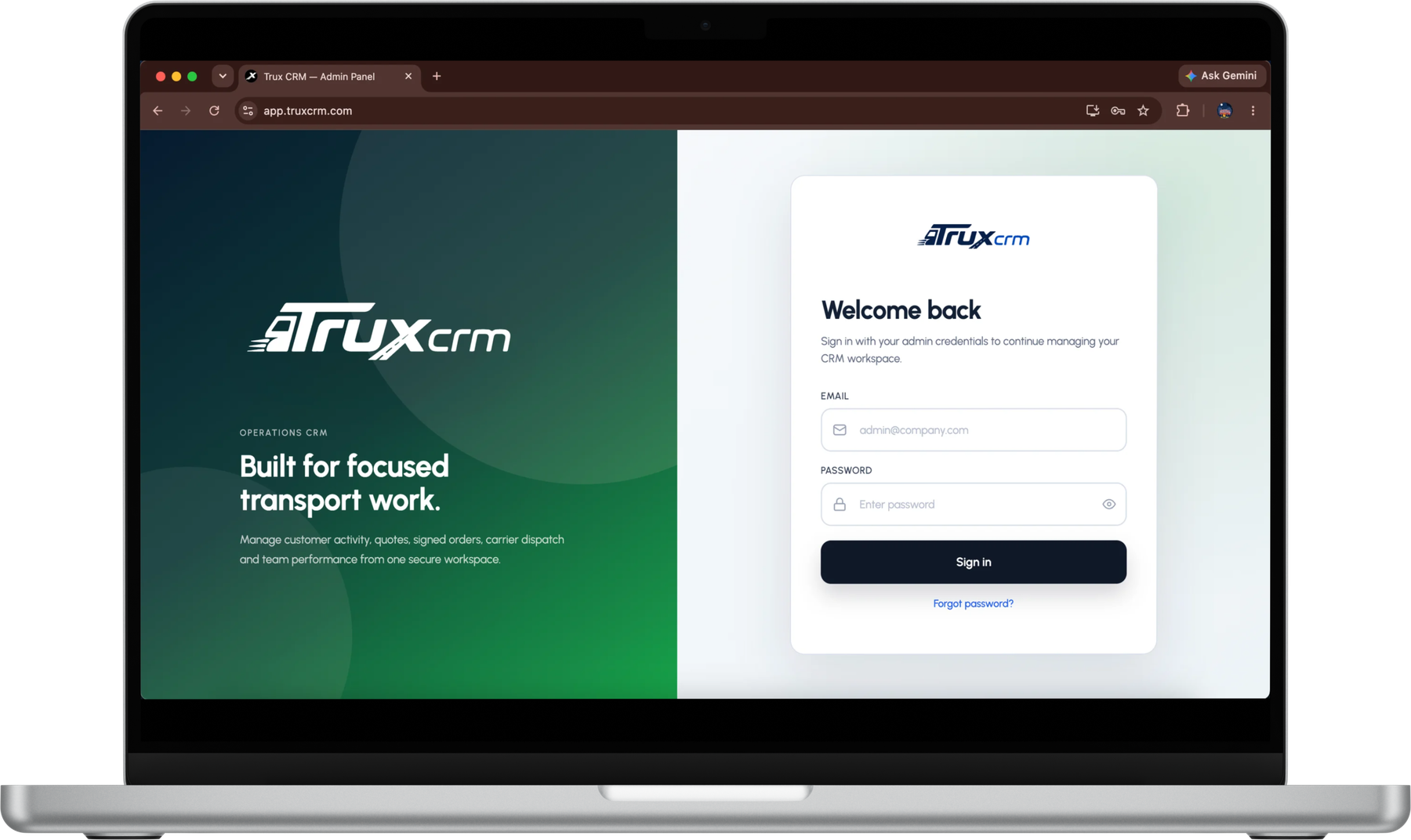
Everything a brokerage runs on, in one place: customers quote and sign online, agents work their own dashboards, and an assistant answers from your own records.
E-signature
Customers sign the order online and the signed copy lands on the record. No printing, scanning or chasing a PDF back.
Client-side quote and order form
Customers request a quote and accept it from their own side, so the details arrive typed by the person who knows them.
AI assistant
Ask where a job stands, what is outstanding or what a customer was quoted. It reads your own records and is read-only, so it reports rather than changes.
Agent management
Add agents, set what each one can reach, and see their pipeline and performance without exporting anything.
Role-based dashboards
Agents, dispatch and admins each open their own dashboard, scoped to the work and the records that role is allowed to see.
Insurance verification
Check the carrier's certificate before the load moves, with the document held against the order it belongs to.
The workflow
A job enters once and keeps the same record all the way through. Nothing is re-typed between stages, and anyone with the right role can see exactly where it stands.
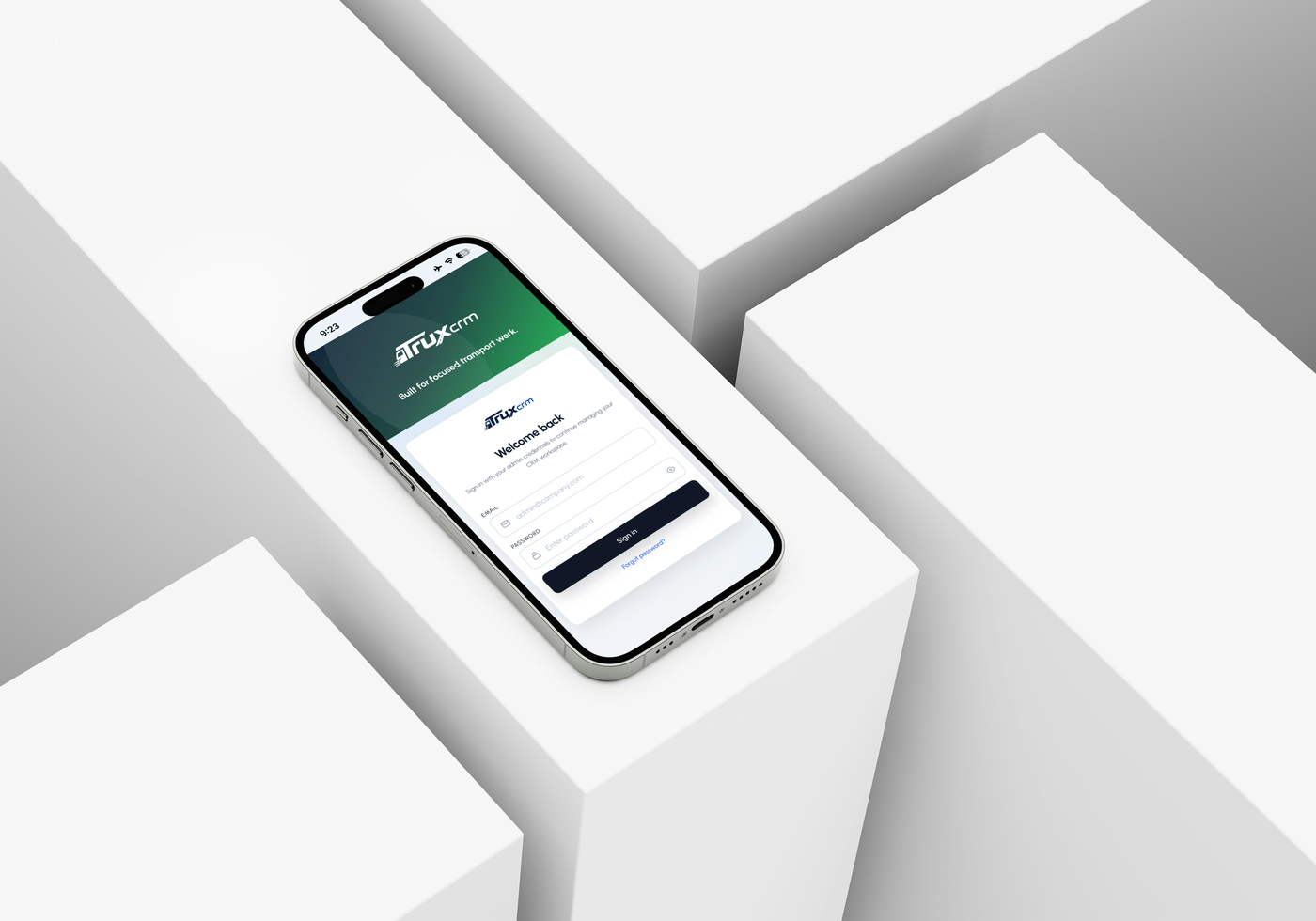
Four parts of the job in one workspace: the customer desk, carrier dispatch, everything from quote to cash, and the alerts that keep it moving. Built and owned by GrowAx.
Auto transport CRM
Lead capture with source and route detail, customer records that keep the full job history, email sent under your own brand, and roles that decide who sees and edits what.
Carrier dispatch
Assign carriers against a live order, verify insurance before the load moves, keep driver and route data on the record, and message without leaving the job.
Quote to cash
Multi-vehicle quoting, signed orders with attachments, invoices raised straight off the order, and payments reconciled against the balance per job.
AI and notifications
A read-only assistant that answers from your own records, plus push alerts when an order is signed or a carrier is assigned. No exports to find out where a job stands.
A subscription, quoted after a demo

TruxCRM questions,
answered clearly.
Ask us anything
before the demo
Who is TruxCRM for?
Vehicle shipping and auto transport brokers who take leads, quote, sign orders, dispatch to carriers and invoice, and who are currently doing all of that across separate tools.
Can it use our own branding?
Yes. The workspace and the email that goes out to your customers carry your brand rather than ours.
What does the AI assistant actually do?
It answers questions from your own records: where a job stands, what is outstanding, what a customer was quoted. It is read-only, so it reports rather than changes anything.
Does it work on a phone?
Yes. TruxCRM installs to a phone or a desktop as an app with no store download, and push notifications land when an order is signed or a carrier is assigned.
How much does TruxCRM cost?
Pricing is quoted after a demo so the package matches your users, volume, branding, onboarding needs and the feature mix you want switched on.
Is there a licence key?
No. TruxCRM is a subscription per brokerage. There is no licence key to install or manage, and your workspace is provisioned for you.
Is there a public self-serve signup?
No. Each brokerage is provisioned its own scoped workspace, so onboarding starts with a demo rather than a signup form.
What is included in onboarding?
Workspace setup, your branding applied, roles configured for your desk, and help moving existing customer and order data across.
Who builds and owns TruxCRM?
GrowAx Enterprises, a software house and digital growth agency registered in Lahore, Pakistan, with offices in Johar Town and Harbanspura.
Is our data separated from other brokerages?
Yes. TruxCRM is multi-company by design. Each brokerage gets its own workspace, and users, roles and reporting are bounded to that company.
Can GrowAx build something like this for our industry?
Yes. TruxCRM is the proof that we can take an industry workflow and turn it into a multi-company subscription platform, including accounts, roles, billing, dashboards and reporting.
How do we get started?
Email [email protected] and we will set up a demo of the live product against your own workflow.